How to Renew Your Pewbeam Plan (Subscription)
Here's how you can renew your Pewbeam plan (subscription):
-
Go to pewbeam.com
-
Click on the Sign in button at the top-right section of the page.

-
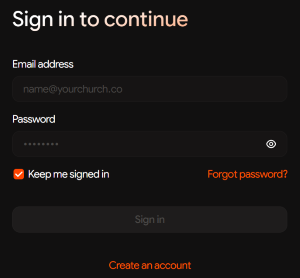
Enter your login details to sign into your Pewbeam account. If you don't have an existing account, select Create an account.
-
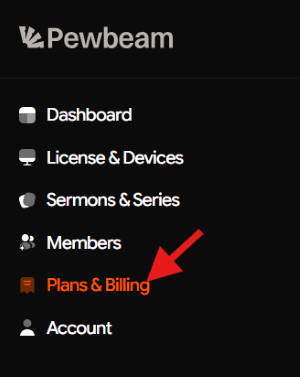
Once logged into your Pewbeam account Dashboard, go to the Plans & Billing tab.
-
Choose your preferred payment plan. You'll see the available options and can pick the one that works for you.

-
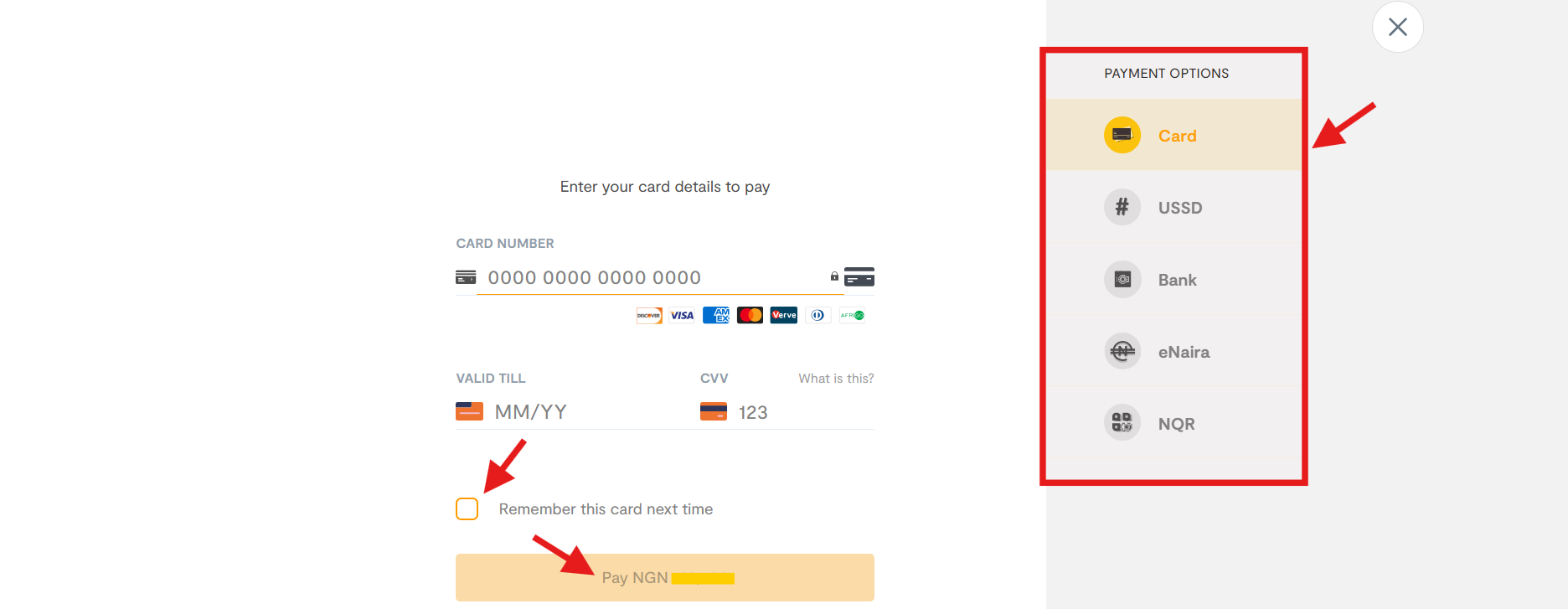
Select your preferred payment method, enter your payment details, and complete your payment. Your plan renews right away!